What free tools I use on a daily basis and why.
Tools make our lives much easier. And here I’m talking all tools.
Think of a hammer – can you put a nail through the wood without a hammer? Yes, you can!
You can use a stone or other hard service. Would it do a good job? Probably not. You will still get that nail into the wood, but chances are it will be wonky or broken. Hammer will perform that task in seconds and will do a good job.
Same with your digital tools.
Do you need them? Absolutely not!
Would they make your life easier? Absolutely yes!
Here’s the list of my favourite free tools for daily tasks:
Canva
https://www.canva.com/join/piano-patio-florals
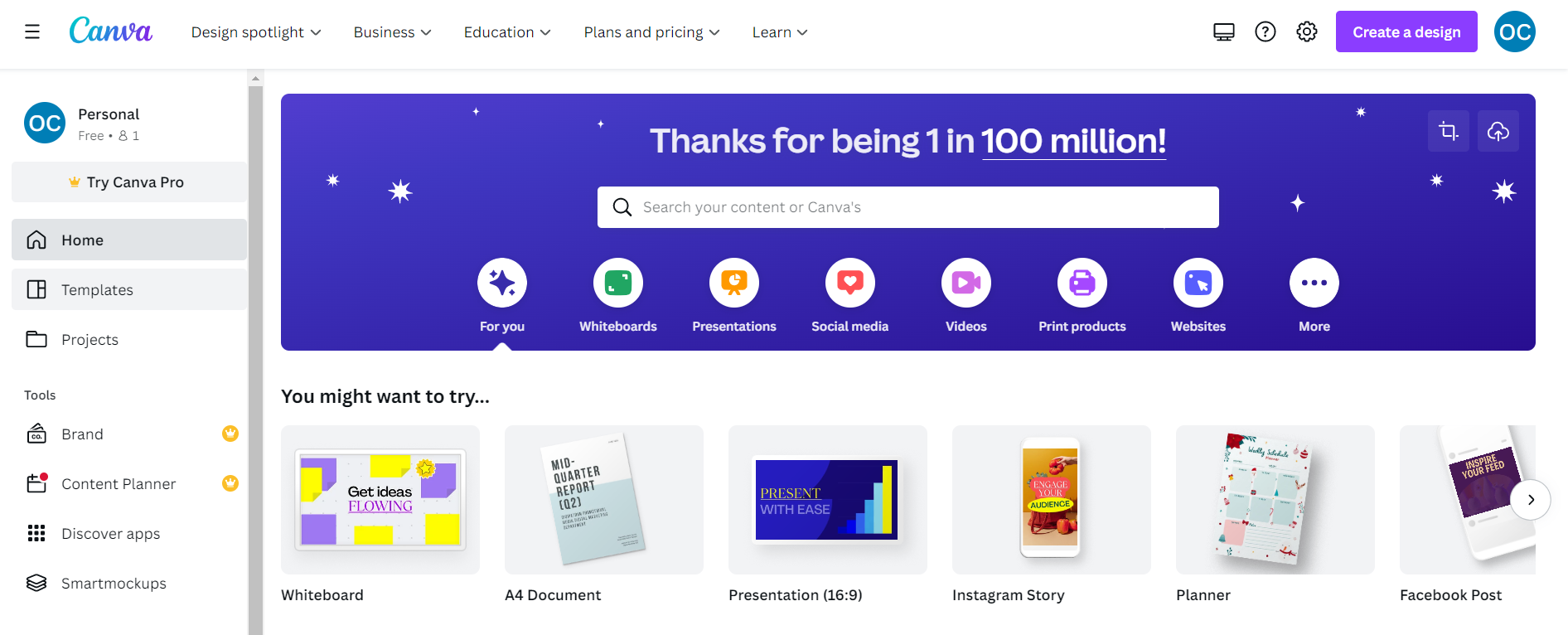
Canva is a well-known online design tool that gives users a simple and clear approach, therefore creates visuals with a professional appearance.
It has millions of users worldwide and offers both designers and non-designers a variety of advantages.
You can use it whether you are a blogger trying to liven up your site with some new visuals or a small business owner looking to produce branding materials for your business.
Canva is simple to use, even if you have no prior design knowledge, so you don’t need to be a professional designer.
I like to create designs with a professional appearance because its very easy to use.
Straightforward drag-and-drop interface and selection of ready-made templates.
Anyone who needs to quickly generate bespoke graphics, from business owners to teachers, can find the ideal answer here.
It is economical -You can pick a plan that suits your needs from either the free or premium option.
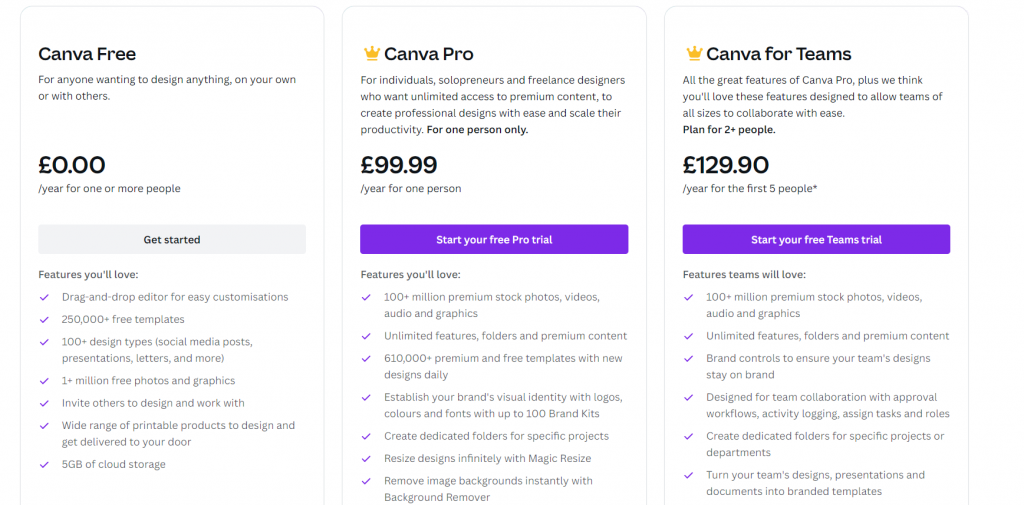
The free plan, which has a wealth of features, is great if you just familiarising with the programme. Professionals can choose the premium plan, which you can get for as little as £8 per month.
Canva is adaptable. Canva offers a huge selection of templates from which you can choose to create original visuals for any requirement.
It may be used to design anything, including wedding invitations, websites, logos, and flyers.
Finding the ideal visual to go with your design is simple because to its enormous collection of integrated pictures and illustrations.
There are countless applications for Canva. Those are only a few of the many benefits of using this amazing design tool.
If you’re interested in learning more about utilising the programme, do some research to find some useful websites that might provide you additional details.
Trello
Next on the list of free tools for daily tasks is:
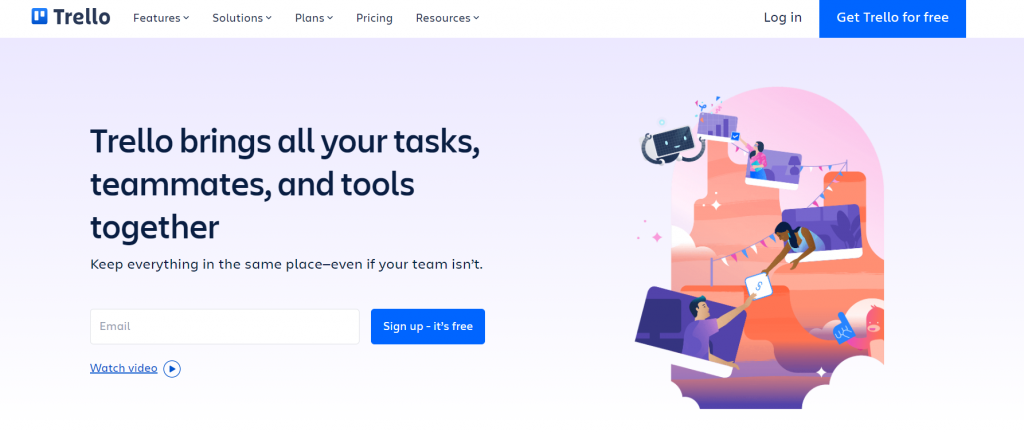
Trello is a visual work management platform that enables teams to collaborate effectively, plan ahead, manage projects, and celebrate their achievements.
Trello adapts to each project, whether you and your team are beginning a new one or attempting to become better organised with your current work.
It aids in the intuitive standardisation and simplification of the work process for your team. But don’t be fooled by its apparent simplicity!
Trello is easy to use while still having the capacity to manage your team’s most challenging tasks.
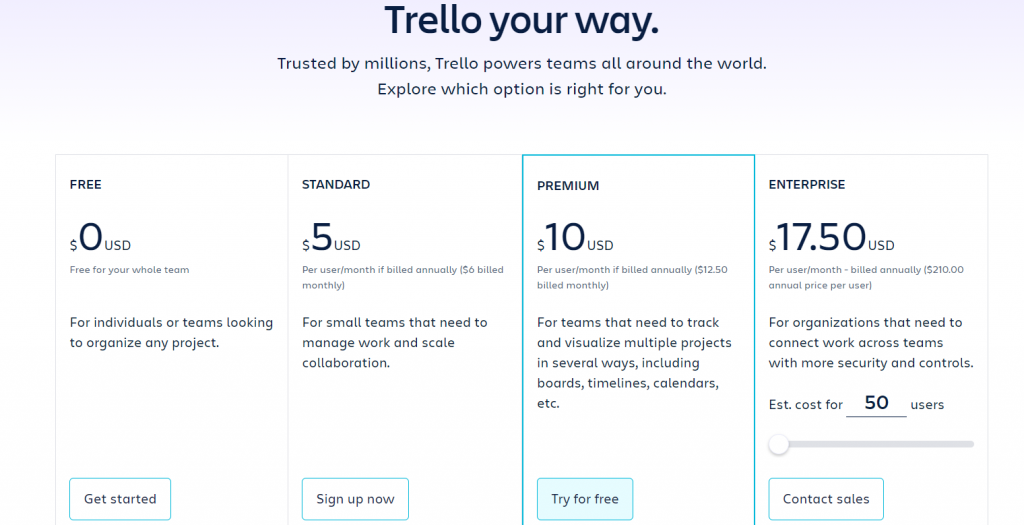
As with other tools, Trello is a great option to start for free and have a good feel if you’re a good match with the option to upgrade later.
For me personally, ability to organise everything labelled and with tick boxes is a massive win!
Slack

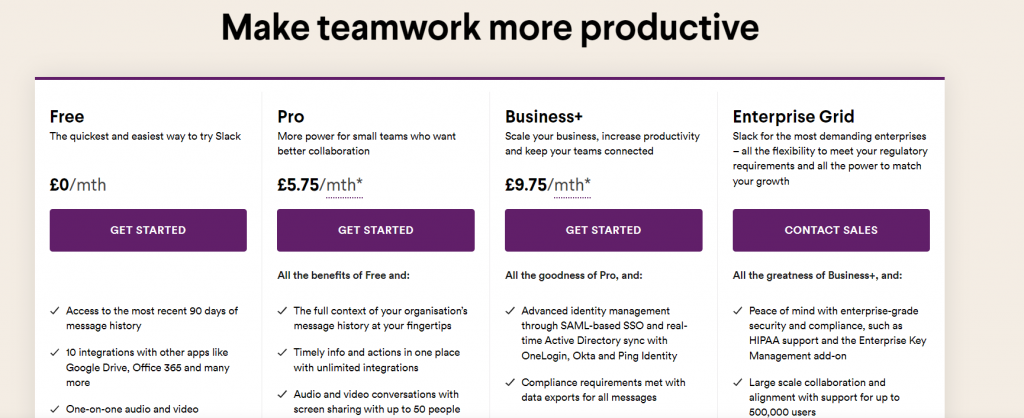
Slack is a messaging app for business that connects people to the information that they need.
Slack is also in my list of free tools for daily tasks.
I love using slack for communication with my customers.
It’s much quicker than sending endless emails. I create an individual channel for each customer and all the conversations are there.
But we have WhatsApp you say!
Yes, but Slack has many advantages (like no need for the phone number, so you can use it just with your email from the desktop).
Conversations can be assigned to different channels and it’s quick and easy to find exactly what you need without reading through lots of previous messages.
I personally see Slack as a relaxed emailing service without all the formalities of the emails – just get to the point.
Another massive benefit is the ability to keep your work related messages separate from your personal ones (on WhatsApp) and less chances of distraction too, therefore productivity is increased.
Loom
https://www.loom.com
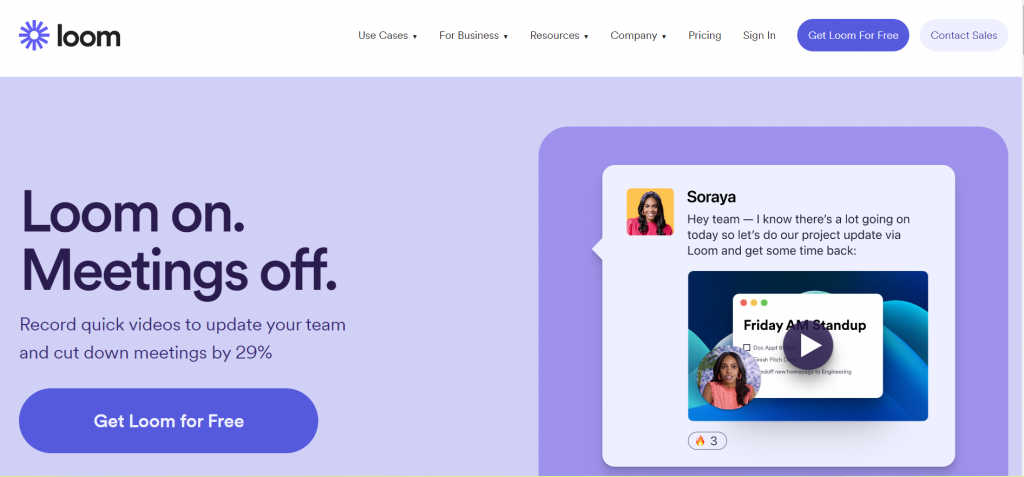
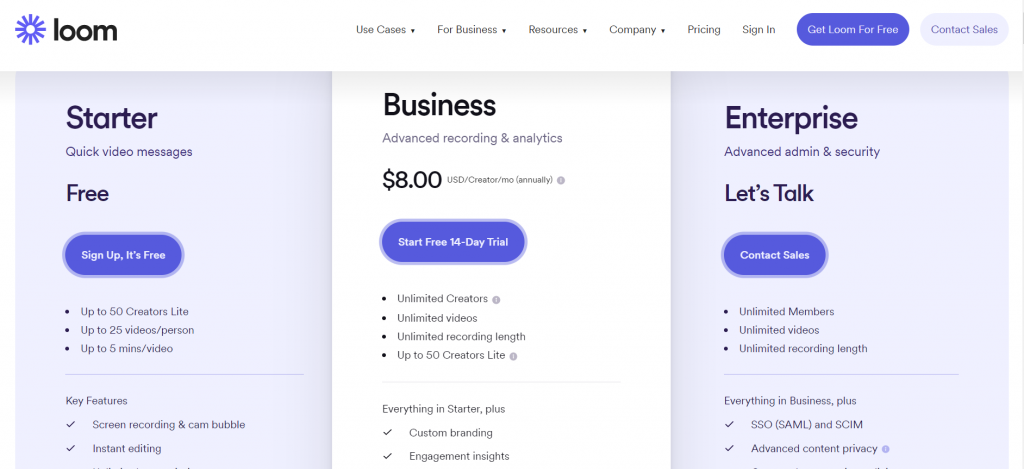
Loom creates video messaging that you can use in communicating through immediately shareable movies.
Shahed Khan, Joe Thomas, and Vinay Hiremath, three good friends who began their experience in app usability testing. They developed Loom video recording in 2016.
Loom developed swiftly over the next six years to become the programme it is today, accessible on PC and Mac as an app or web extension as well as on mobile.
I like it for its efficiency and user-friendly design, which make it incredibly quick and simple to shoot a video, edit it, and distribute it to anyone via email, Slack, embedding, or social media sharing.
I’ve used it to record with your desktop, microphone, and camera using Loom. The proprietary technology of Loom makes your video immediately shareable.
It can be used to introduce yourself to your customers virtually. You can record messages, tutorials and other video content and send it directly to the receiver or embed it into your website or document.
Loom can down the time spend in meetings, as a lot of information can be pre-recorded and shared in advance.
Loom is a desktop and mobile application that integrates with Slack, which I already mentioned before. Your team will benefit greatly from using Loom because it gives us a lot of freedom regarding where and when you may exchange and watch videos.
Pretty! This has been a really wonderful post. Many thanks for providing these details.
Magnificent beat I would like to apprentice while you amend your site how can i subscribe for a blog web site The account helped me a acceptable deal I had been a little bit acquainted of this your broadcast offered bright clear idea
Comments are closed.